
How to Create a Moveable Sticky Note With MooTools and CSS3
Designshack has writen tutorial about how to create a simple and fun sticky note that a user can play with and move anywhere on the page. The inspiration of this tutorial comes from tutorial at Woorkup pointing out a MooTools feature that allows you to turn any item on a web page into a positionable element.
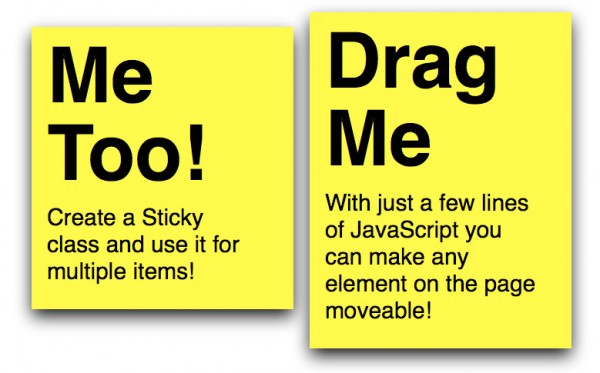
The HTML for this tutorial is super simple and contains only a couple divs and elements. After you reading the tutorial, you can see, creating the sticky note was really the hardest part of the process. MooTools took care of the heavy lifting to make the element moveable and reduced our JavaScript work down to just a few lines.
Requirements: MooTools framework
Demo: http://designshack.co.uk/tutorialexamples/StickyNote/index.html
License: License free

 0
0
 464
464