



How to Creating a Realistic Looking Button with CSS3
Previously Jay on anomalyinnovations was created the Cadmus “post” button in Photoshop and it was essentially three images for the different states. He wanted to use this style for all their buttons, but doing it with single images is not a good idea. So he set about creating the same style of the buttons with CSS3.
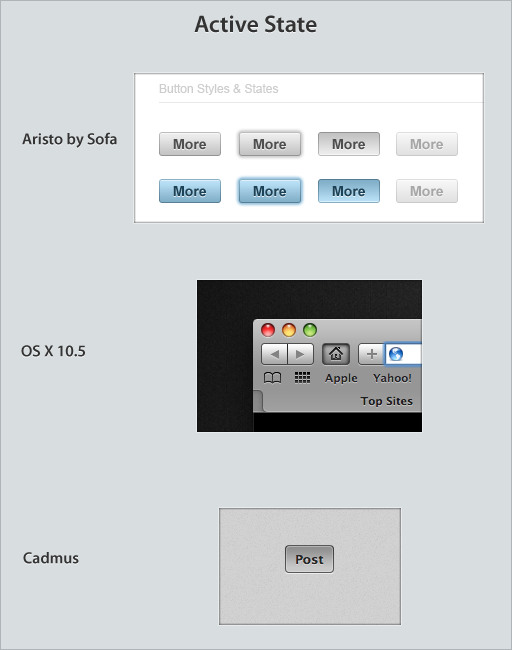
The whole idea is to use a combination of subtle effects to create a three dimensional object. The idea is that:
- The button is set into the canvas.
- The texture of the button is different from the canvas and the surface is slightly raised.
- And the text of the button is pressed into it.
The result is a great looking button with CSS3.
Demo: http://blog.anomalyinnovations.com/2010/03/creating-a-realistic-looking-button-with-css3/
License: License Free

 0
0
 464
464




No comments
Really Useful CSS3 Tutorials and Resources | Galaxark Blog
05.18.2010
[...] Read More .. [...]
There are no trackbacks to display at this time.